Apache License 2.0 · Self-hosted · No agent
Your infrastructure, understood.
Connect a server over SSH, watch Noodara discover it, and see exactly what's running — no agent, no black box.
curl -fsSL https://raw.githubusercontent.com/nooodara/noodara/main/install.sh | sh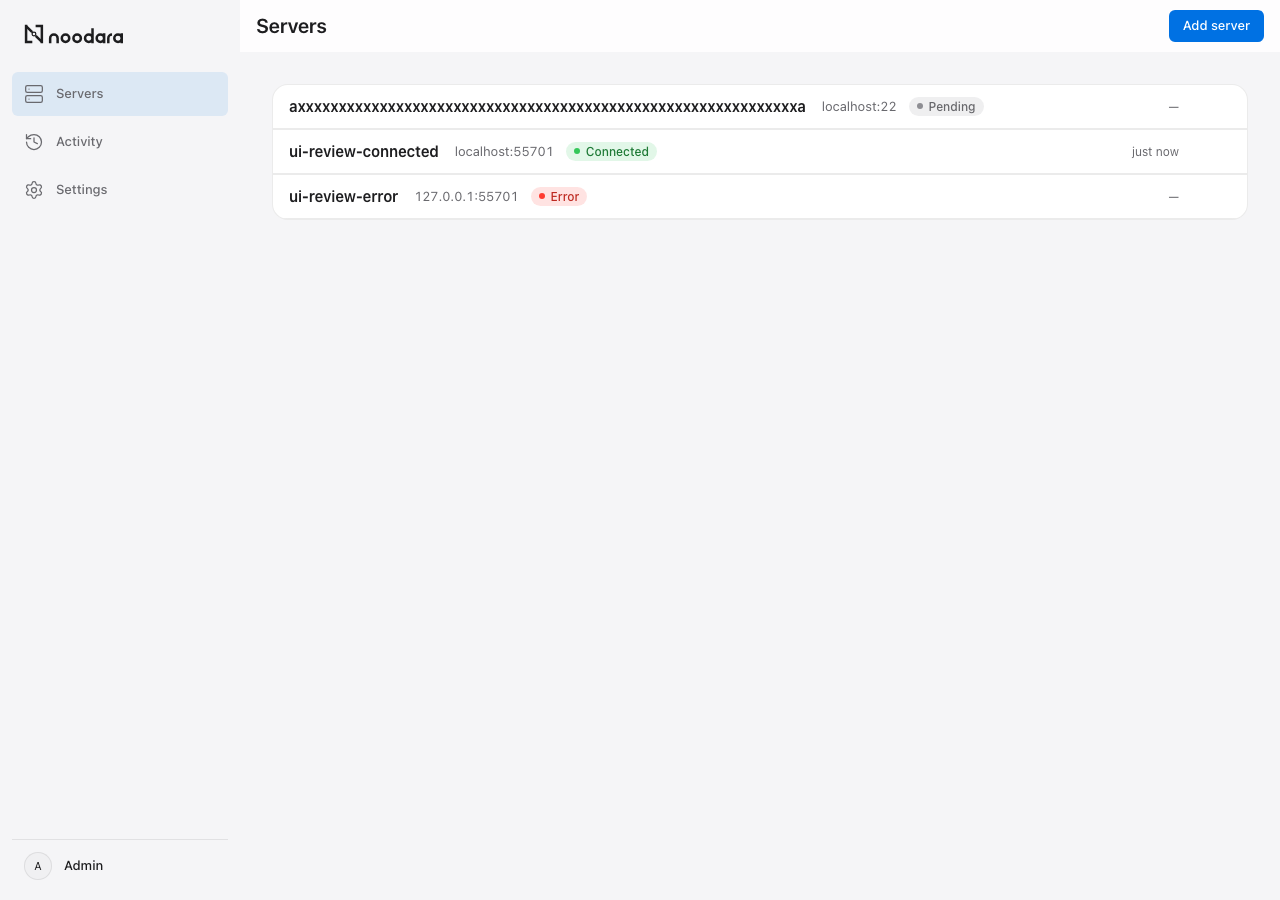
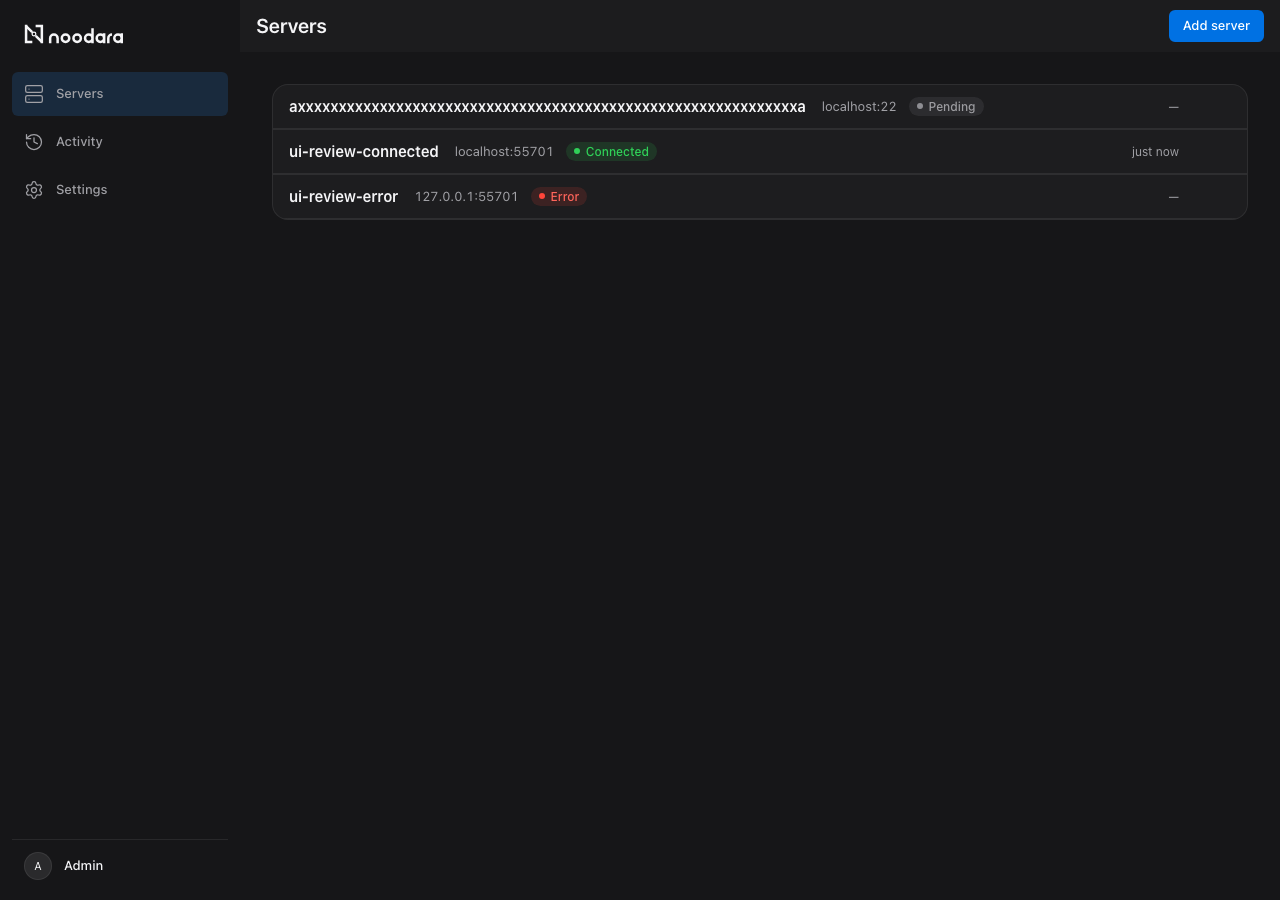
Most panels manage your servers. Noodara helps you understand them.
One-command install
Install Noodara with one command on Ubuntu 22.04 or 24.04.
Connect over SSH
Add a server over SSH with a password or a key, no agent required.
Verified fingerprints
Verify and trust the server's host key fingerprint.
Step-by-step discovery
Discover a server step by step, with a pass or fail check at each stage.
Full server detail
See a server's OS, CPU, RAM, disk, uptime and Docker status.
Activity log
Read an activity log of every action taken on a server.
Personalize your account
Switch between light, dark and auto theme, with density and reduced motion preferences.
Manage the admin account's name, email and password.
Upgrade & rollback
Upgrade or roll back an installation from the command line.
Secure by default
Encrypt server credentials at rest.
Apply an explicit timeout to every SSH command.
Comprehensive control
Add a server over SSH with a password or a key, no agent required.
How it works
Install Noodara on an Ubuntu VPS
Add your servers over SSH — no agent
Noodara discovers and watches them
Frequently asked questions
Does Noodara need an agent on my server?
Add a server over SSH with a password or a key, no agent required.
How does Noodara verify a new server?
Verify and trust the server's host key fingerprint.
Are my credentials safe?
Encrypt server credentials at rest.
What happens after I add a server?
Discover a server step by step, with a pass or fail check at each stage.
Which Ubuntu versions does Noodara support?
Install Noodara with one command on Ubuntu 22.04 or 24.04.
Is Noodara open source?
Noodara is source-available under the Apache License 2.0 license.
What it does not do yet
- Noodara does not manage application environment variables or secrets. Put configuration in the image.
- Noodara does not manage domains, TLS certificates or a reverse proxy.
- Noodara does not run webhooks, healthchecks or automatic rollbacks.
- Noodara has a single admin account. It has no teams, roles or single sign-on.
- Noodara does not build or deploy services from the panel in this release.
Get started in one command
curl -fsSL https://raw.githubusercontent.com/nooodara/noodara/main/install.sh | sh